
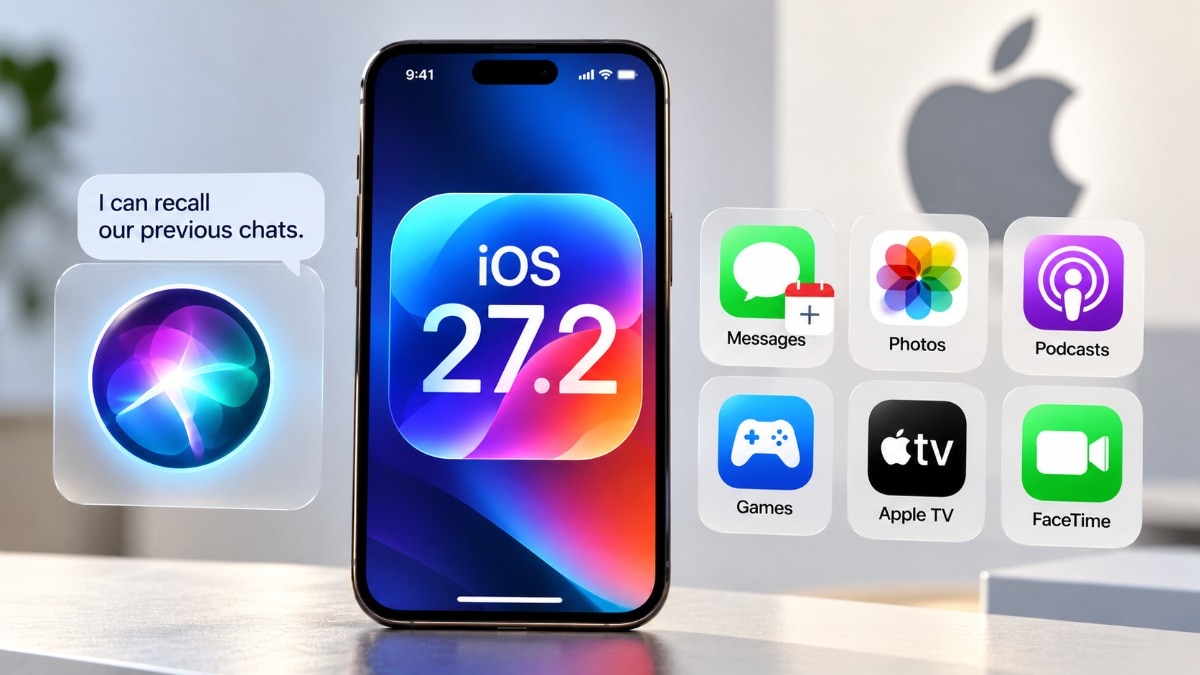
Apple officially rolled out the iOS 27.2 update for supported iPhones, featuring over 160 security patches and smarter Siri AI capabilities. Siri now remembers past chats and pulls data from personal apps. While the update brings fresh features to Messages and Photos, these advanced AI tools only work on newer iPhones.
Apple has officially rolled out the iOS 27.2 update for supported iPhones, packing a punch with over 160 security vulnerability patches and a wave of fresh capabilities. The spotlight is firmly on the significantly smarter Siri AI, alongside major enhancements across Messages, Photos, and other native apps.
Furthermore, Apple has simultaneously pushed software updates for its entire ecosystem, including Mac, Apple Watch, iPad, Apple TV, and Vision Pro.
What’s new in iOS 27.2?
The biggest highlight of the iOS 27.2 update is the transformation of Siri AI, making the voice assistant much more natural and contextually aware. Siri now features conversation memory, meaning it remembers your past chats. For instance, if Siri suggested a restaurant to you last week, you can easily ask follow-up questions about it without needing to start the conversation from scratch.
The virtual assistant can now pull information directly from various personal sources, including photos sent in Messages, Calendar event attendees, voicemails, Safari browsing history, and your Reading List.
Apple has also introduced an Excluded Apps privacy setting, giving you the power to block Siri and Search from accessing data within specific applications. Another highly practical addition is granular text selection, which lets you highlight and copy just a specific portion of Siri's response instead of forcing you to copy the entire block of text.
Furthermore, Siri AI has expanded its linguistic capabilities to support French, Japanese, Korean, Portuguese, and Spanish. However, Indian users will have to wait as Hindi is not currently supported, and these AI features remain unavailable in mainland China and the European Union.
These advanced Siri features are exclusively accessible on the iPhone 15 Pro, iPhone 15 Pro Max, the iPhone 16 lineup, and later, though other general improvements are available across all supported models.
Which other iPhone features are included?
Beyond the AI magic, iOS 27.2 brings several quality-of-life upgrades to your daily apps. The Messages app now features smart, contextual suggestions that help you take immediate action. If a friend sends a tracking number or a dinner invitation, Messages will automatically prompt you to track the package or create a Calendar entry.
The Photos app has received a major boost, allowing users to edit captions and comments in Shared Albums, prevent the addition of duplicate pictures, and get timely reminders before albums expire. In a significant move for AI transparency, Photos and Image Playground now support Google’s SynthID watermarking technology to help identify images created or altered using generative AI.
The FaceTime experience gets more inclusive and expansive, with support for adding a live captioner or a third-party sign language interpreter to your calls, alongside the expansion of the Dual Capture feature to group video chats.
For users of the foldable iPhone Duo, Apple has added dedicated support for the Apple Pencil with USB-C, as well as a new Edge Light feature optimized for video calls. Smart home enthusiasts will appreciate the Home app's new timer that automatically locks doors after they are closed, along with a handy Door Left Open alert.
The Apple TV app introduces simple user profiles, ensuring household members get tailored recommendations based on their distinct viewing habits.
What’s new in macOS 27.2 and other Apple updates?
Apple has ensured its entire device family stays up to date. The new macOS Golden Gate 27.2 brings Siri’s conversation memory, broader access to personal context, and contextual suggestions in Messages to the Mac, alongside crucial bug fixes and security patches.
Meanwhile, watchOS 27.2 brings similar Siri-related upgrades to the Apple Watch. The Vision Pro's visionOS 27.2 update adds the new language options and the refreshed Apple Music icon. Similar version 27.2 updates have also been released for the iPad and HomePod products.
How to download iOS 27.2
Installing the new software is a breeze. Users simply need to ensure their iPhone has sufficient battery life and is connected to a stable Wi-Fi network. From there, navigate to the Settings app, tap on General, select Software Update, and hit download to experience the latest features on your device.