
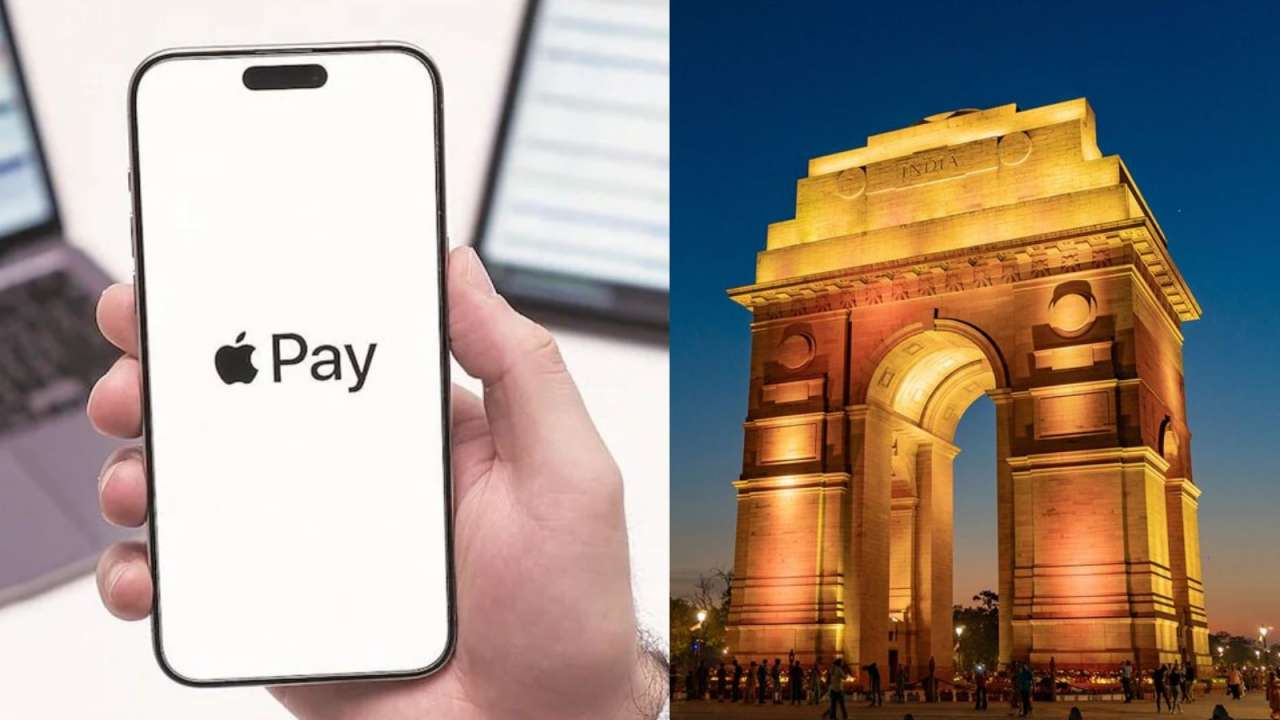
Apple Pay launched in India on September 30, allowing iPhone users to make contactless payments. The service currently supports only Axis Bank credit cards on Visa and Mastercard networks. Users can add cards via the Wallet app to pay at stores like Blinkit and Zomato. UPI is not included yet.
Apple Pay is now live in India starting September 30 with Axis Bank credit cards. Check how to set it up, which iPhones and Watches support it, where it works, and what about UPI.
Apple Pay has finally launched in India, allowing iPhone users to make contactless payments in stores, apps and online. The service went live on Wednesday, September 30. It is now available in more than 90 countries worldwide, working with over 11,000 banks and networks.
Which cards and devices work?
At launch in India, Apple Pay supports only eligible Axis Bank credit cards on Visa and Mastercard networks. Axis Bank is the first Indian bank to offer the service. RuPay cards are not supported yet. Apple is in talks with other banks like HDFC Bank and ICICI Bank, but deals are not final. Apple Pay is available on iPhone, iPad and Apple Watch at launch.
Mac support is coming soon. iPhone can be used to tap and pay at contactless terminals, while all devices can be used for payments inside apps and on websites. To add a card, open Apple Wallet, tap Add Card and follow the verification steps. You can also add it through the Axis Bank mobile app. If you see errors like "Could Not Add Card", you should contact your bank.
Where can you use it and how safe is it?
Apple Pay will function at participating merchants across India where contactless NFC payments are accepted, with initial partners including Apple Store, Blinkit, Croma, Ixigo, Tata 1mg and Zomato. Users can authenticate payments via Face ID, Touch ID, or device passcode, eliminating the need for a card PIN or OTP for every transaction. To make a payment on an iPhone with Face ID, double-click the side button, authenticate, and hold the phone near the reader.
Apple Pay ensures security by not sharing your actual card number, using a Device Account Number and a one-time security code for transactions. Rewards and benefits remain intact when using Apple Pay. Initially, Apple Pay is card-based and does not include UPI. If your iPhone is lost or stolen, marking it as Lost will disable Apple Pay on that device.